

Tired of slow boot times, security risks, software incompatibility, component failure on your computer, or needing better features with more efficient power and support? Then, migrating to a new PC is among the most sensible solutions. You can effortlessly change your device and transfer data from the old PC to the new PC using the best PC to PC transfer software.
The data transfer tools for PC to PC are specially designed programs that allow you to transfer everything from your old laptop to a new one or to another desktop computer.
However, choosing the right tool is not simple, as selecting the wrong software may expose your valuable data to hackers and bad actors who may exploit it.
Hence, we spent over a month trying and testing various software to transfer files from PC to PC and evaluated them based on the amount and type of data they can handle, their transfer speed, availability of security features such as strong data encryption, ease of use, and compatibility.
This article combines our top findings into a well-structured list with key features of each PC to PC transfer software, so you can compare them and choose the best one for your needs easily. Let’s begin with them right away to save you precious time.
Best PC Migration Software for Data Transfer from Old PC to New PC
The following programs are our top picks for how to transfer files from PC to PC.
1. Acronis True Image
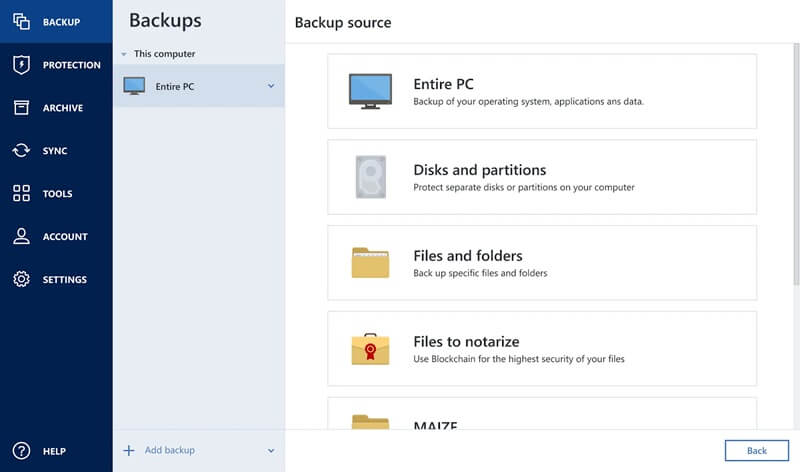
Formerly known as Acronis Cyber Protect Home Office, Acronis True Image is a renowned integrated backup and cybersecurity solution. This data transfer, migration, and synchronization software stands out for its active disk cloning capabilities (creates a replica of your Windows drive while your computer is in use, without a reboot), universal restore (allows you to recover Windows to entirely different hardware), high-speed transfers, secure file synchronization between various devices, and flexible storage options.
Moreover, the following are some other notable features of this software that justify its name among the best software to transfer data from an old PC to a new PC.
Key features of Acronis True Image
- There are different types of backup, including full image backup, incremental backup, differential backup, file-level backup, and continuous backups.
- This software offers an AI-powered antivirus, anti-malware, anti-ransomware, and anti-cryptojacking tools to protect your data and backups.
- It uses enterprise-grade AES-256 encryption to ensure secure data transfer from PC to PC.
- There is a “try and decide” feature that allows you to create an isolated sandbox environment to test new software or browse risky websites, allowing you to undo any changes if things go wrong.
- Bootable rescue media allows you to restore your entire system even if your PC’s operating system does not boot.
Click here to learn more about Acronis True Image
Also know: Best Data Encryption Software for Windows 11/10
2. EaseUS Todo PCTrans
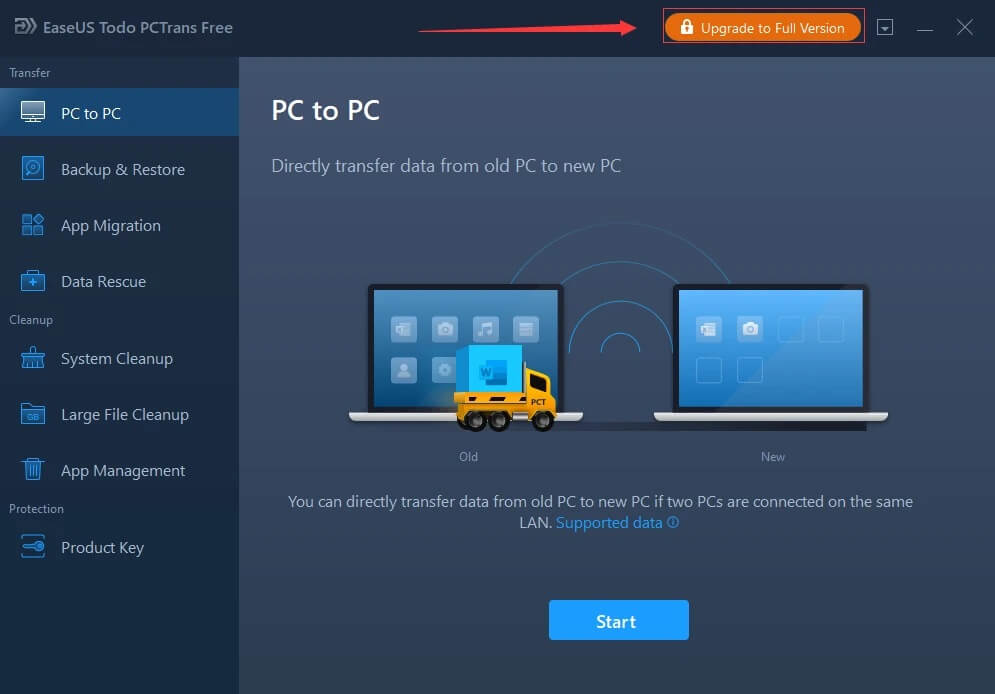
Meet EaseUS Todo PCTrans, another powerful answer to how to transfer files between computers. With this software, you can migrate all your files, applications, and settings from your old computer to a new computer. Moreover, this free PC transfer software is best known for easy app migration without reinstallation, user account transfer, freeing up disk space, and the following features.
Key features of EaseUS Todo PCTrans
- There are multiple data transfer modes, including PC to PC transfer via an Ethernet or LAN connection, an image file that creates backups for offline transfer, and a local transfer that involves moving apps/data between drives.
- It offers Windows upgrade support, allowing you to transfer data when upgrading to Windows 11.
- You can recover the lost license key for the transferred software with EaseUS Todo PCTrans.
Click here to learn more about EaseUS Todo PCTrans
3. Minitool Partition Wizard
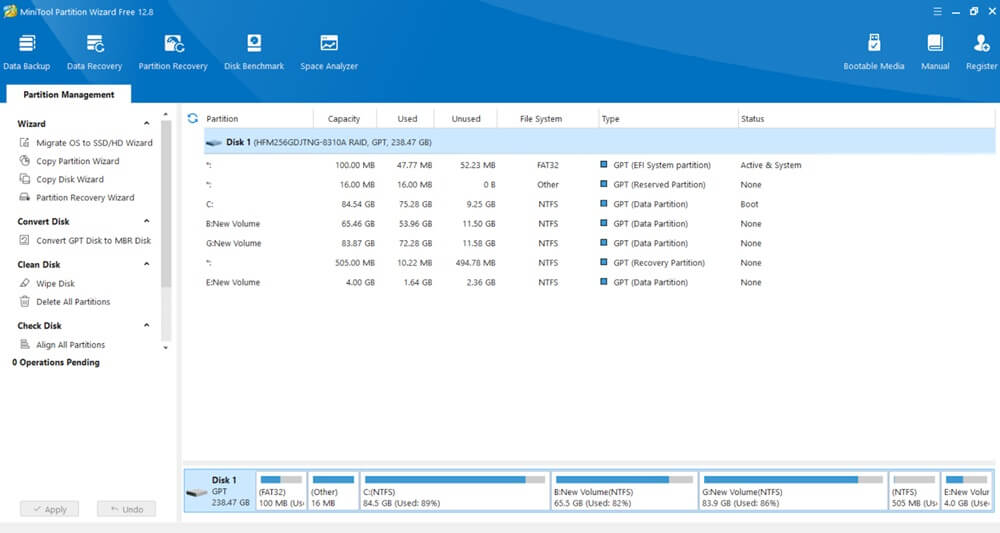
Let’s introduce you to the Minitool Partition Wizard. It is among the best data transfer tools for PC to PC, owing to its user-friendly interface, secure OS migration (HDD/SSD cloning), disk cloning, and partition copying without data loss, and the following remarkable features.
Key features of Minitool Partition Wizard
- It offers power-off protection that protects your data integrity during data migration if power is lost.
- You can use this software to resize/move/extend/split partitions to reallocate space without data loss.
- Minitool Partition Wizard lets you convert file systems between NTFS, exFAT, FAT32, etc., effortlessly.
- With this software, you can create, format, or wipe partitions securely.
Click here to learn more about Minitool Partition Wizard
4. Laplink PCmover Ultimate
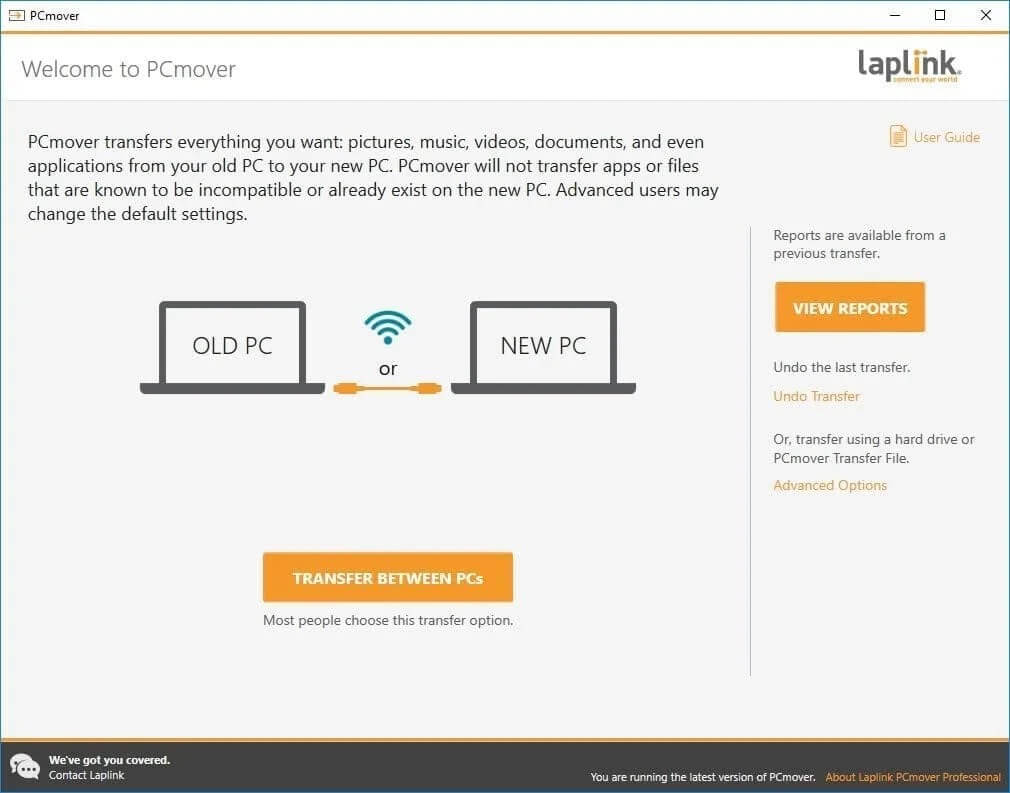
Next, we have Laplink PCmover Ultimate on our list of the best software for PC to PC transfer of files and everything else. It is well-known for its transfer of installed programs to another computer in a ready-to-use state, complete migration of all selected files, folders, user profiles, and personalized settings to the new PC, and the following features.
Key features of Laplink PCmover Ultimate
- There are multiple transfer options, such as transferring over a wired/wireless network, a USB transfer cable, or an Ethernet cable.
- Laplink PCmover Ultimate has a built-in AI assistant to guide you through the data transfer process from PC to PC and recommend the best transfer plan.
- You can undo the changes made to your new computer if anything goes wrong.
Click here to learn more about Laplink PCmover Ultimate
5. Paragon Hard Disk Manager
Paragon Hard Disk Manager is a software worth considering if you are searching for how to transfer files between computers. This comprehensive software stands out for its reliable cloning, fast imaging, ability to non-destructively resize partitions, and P2V/V2V migrations, and the following features.
Key features of Paragon Hard Disk Manager
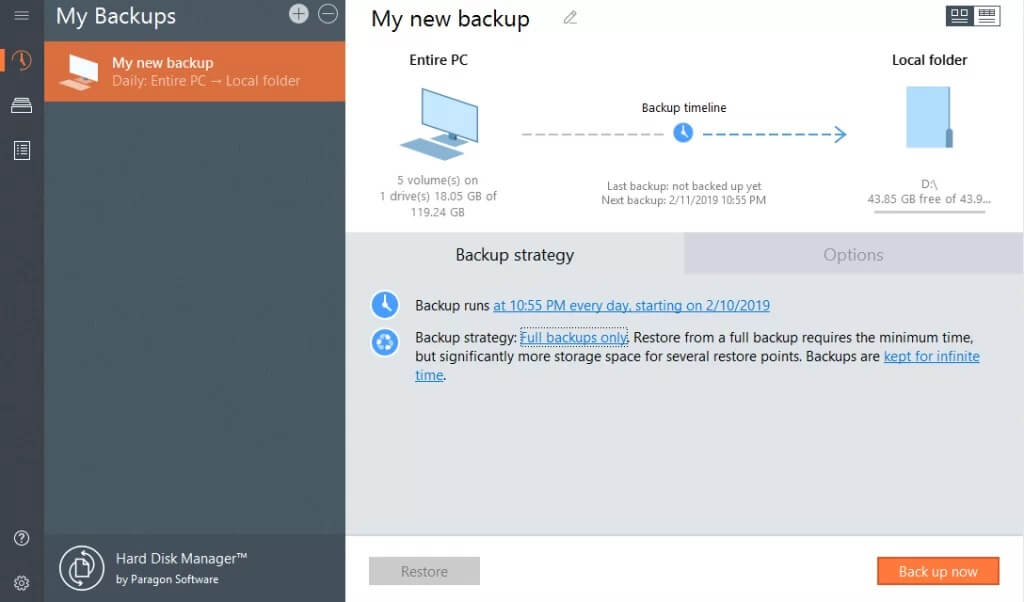
- The user-friendly wizard guides you through the entire process of backups, cloning, and partitioning.
- It offers powerful disk imaging and backup with creation of pVHD images, OS/drive configurations support, and automated/scheduled backups.
- Paragon Hard Disk Manager allows live partition resizing, creation, formatting, and no data loss conversion between MBR and GPT schemes, with HFS+, ExtFS, NTFS, exFAT, and FAT systems.
- This software supports integration with VMware/Hyper-V with virtual disk support.
- You can use this software to wipe out data from drives securely.
- It supports the creation of Linux or Win-PE-based bootable USBs for data recovery from within the application.
Click here to learn more about Paragon Hard Disk Manager
Also know: Best Ways to Protect Identity and Personal Data on the Internet
Best Software for PC to PC Data Transfer: The Conclusion
Migrating to a new computer may feel like moving to a new house with all your valuables. However, it is not as challenging as it looks, as you can transfer everything from an old laptop to a new computer/ old PC to a new PC effortlessly with the best data transfer software above.
You can review each of these programs in the light of your specific requirements to select the one that fits your needs. However, if you have any questions, please contact us through the comments section. We will be happy to assist you.

