

Are you unable to upload or share image files through online forms, email, social media, or the web because they exceed size requirements? Imagine trying to send cherished holiday photos through an email only to have them rejected because they’re too large. Or consider wanting to post a high-resolution picture on Instagram, but the file size is just too cumbersome. Images can also quickly consume a lot of device space, making it challenging to store more valuable memories or essential files. In these scenarios, and many more, an image size reducer can help.
An online software to reduce image size shrinks the size of your photos (in KB or MB) by deleting unnecessary data (compression) or reducing the pixel dimensions, i.e., resizing.
This helps you upload images faster, share photos seamlessly, or meet the specific platform requirements easily, ensuring size reduction without harming image quality.
Hence, this article reviews carefully selected photo image size reduction tools, including Optimole Image Compressor, TinyPNG, Compress Now, Online Image Tool, and Optimizilla.
We chose these tools from a wide range of software available online after thoughtfully comparing and analyzing them. Our evaluation was based on hands-on testing and user reviews. We considered factors such as their format support, compression types, customization abilities, speed, and interface. Let’s save your precious time by proceeding to these programs right away.
List of the Best Image Size Reducers
The following are our top picks for the best tools to reduce image size. You can compare these programs with your requirements to choose the one that matches your needs perfectly.
1. Optimole Image Compressor
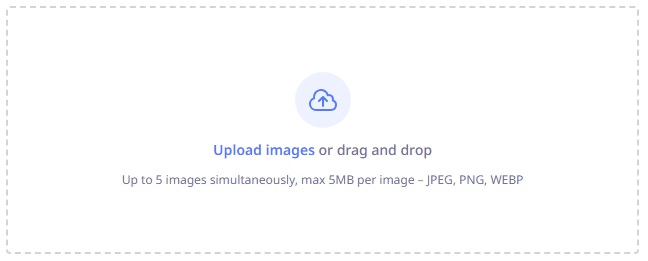
Meet Optimole Image Compressor. It stands out as one of the best image size reducers owing to its WebP conversion, automatic optimization, and a global CDN. Moreover, significant file reduction without much quality loss and faster load times make it a top-tier solution for image size reduction, especially for WordPress users.
However, it’s important to note that while Optimole offers a powerful free tier, it does have usage limits. Premium features may require a subscription or an account registration to fully access all functionalities.
Click here to learn more about Optimole Image Compressor
Also know: Top 5 Reverse Image Search Tools in 2026
2. TinyPNG
Let’s introduce you to TinyPNG. This user-friendly software uses smart lossy compression to reduce PNG, JPEG, and GIF file sizes to maintain image quality, while reducing image size and speeding up websites.
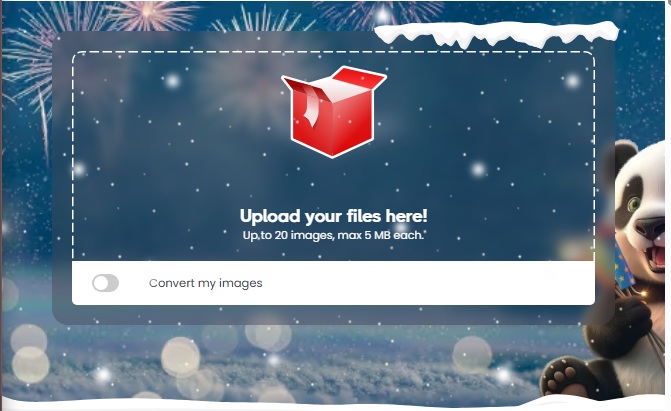
In this online tool, you can upload and reduce the size of up to 20 images (maximum 5 MB each) simultaneously. Moreover, it supports multiple file formats, including JPEG, PNG, GIF, WebP/AVIF.
Additionally, it also boasts WordPress plugin support with automatic compression, WebP conversion, and integration into the media library.
Click here to learn more about TinyPNG
3. Compress Now
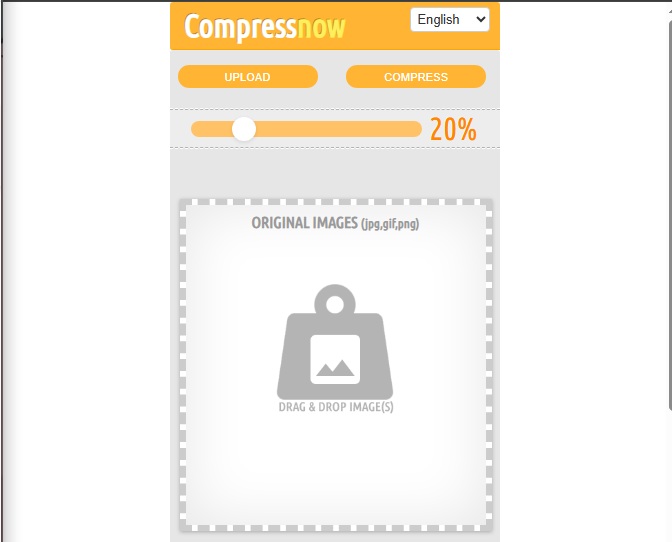
Next, we have Compress Now on our list of the best image size reducers. It supports multiple image formats, including PNG, JPEG, GIF, JPG, and more. Moreover, this user-friendly tool lets you compress up to 10 images at a time. You simply need to upload the images, drag the sliding scale to the desired compression level, and click the Compress button.
Click here to learn more about Compress Now
4. Online Image Tool
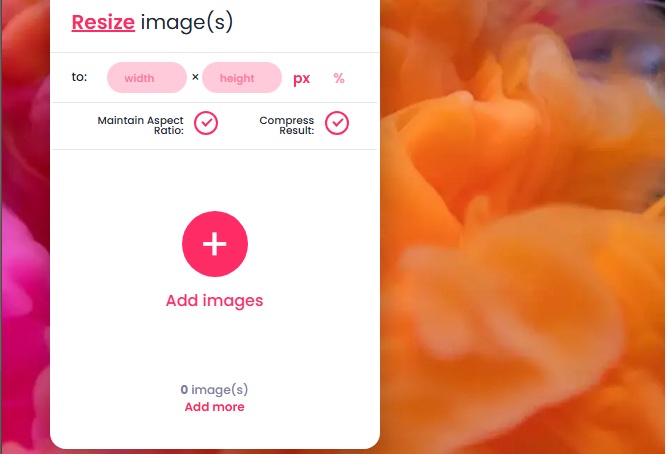
Here comes the Online Image Tool on our list of the best image size reducers. With this tool, you can resize images, convert them from one file type to another, and rotate images.
Some of its striking features include a before-and-after comparison slider, the option to add more images from the same post-processed screen (no need to click back to begin again), no cap on file size or number of images, and JPEG, PNG, WebP, and GIF support. Additionally, the Online Image Tool ensures user privacy and security by not storing any images after processing. This provides reassurance to users concerned about uploading personal files.
Click here to learn more about Online Image Tool
5. Optimizilla
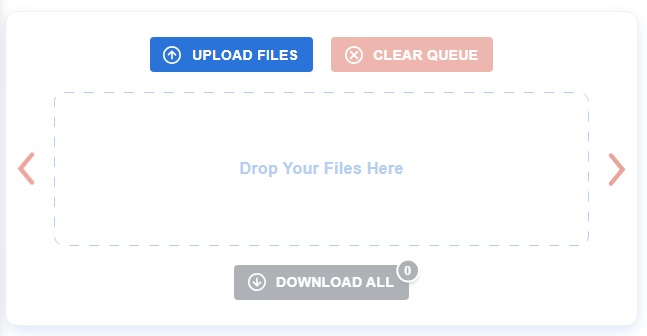
The next name on our list of the best online tools to resize images is Optimizilla. With support for GIF, JPEG, and PNG formats, you can reduce the size of up to 20 images simultaneously using Optimizilla.
Moreover, it has a useful slider that allows you to compare the original and the processed images, allowing you to view the percentage of image compression and remove photos you do not want to save. It also lets you adjust the compression level to suit your needs and download all images at once or one at a time when you are done.
Click here to learn more about Optimizilla
Also know: Best AI Image Generator to Try in 2026
Best Image Size Reducers: The Conclusion
With that, we have come to the end of our list of the best image size reducers. You can choose one or more of these tools to shrink image sizes for easier sharing, faster page loads, improved SEO to boost your website’s ranking and organic traffic, and save storage and bandwidth.
To help you decide faster, here’s a quick guide: if you need batch processing, consider Optimizilla or TinyPNG; for WordPress integration, Optimole Image Compressor would be ideal. Identify your primary needs and match them to the tool features outlined earlier for a tailored fit.
However, if you have any confusion or questions about this article, feel free to reach out through the comments section. We will be more than happy to help you and consider your suggestions to improve this guide.

