

Did you know that every time you go online, click on any random ad, or log in to your social media account, your device creates a unique “digital footprint” known as your IP address?
Yes, that’s right! But what exactly is an IP address, and how can I determine what’s my IP address?
Well, your IP address is a series of numbers that actually contains a lot of information, including your location, network provider, and even possible security threats.
Because cyberattacks are increasingly common, businesses need secure methods to confirm the identities of their users. Consequently, IP lookup enhances verification processes and adds additional security layers by enabling businesses to determine the geolocation of an IP address.
So, if you are wondering how to find my IP address, an IP address lookup tool can really help, whether you’re a cybersecurity specialist monitoring suspicious traffic or a business owner trying to maximize the delivery of your advertisements.
However, finding the best IP lookup tool can be difficult due to the abundance of options available online. So in this article, we will look at the most important factors when choosing the best IP address lookup tool.
What is an IP Lookup?
Every device that connects to the internet comes with its own IP (Internet Protocol) address. Think of it as a unique address that helps direct online traffic and enables devices to communicate.
You can find important details about a particular IP address, such as network and geographic information, by doing an IP Lookup.
Using an IP Address Lookup tool is a great way to gather a range of helpful insights, such as
1. Geolocation Data
- Country, Region, City, and ZIP Code: This information can help you determine where the device is located.
- Latitude and Longitude Coordinates: These numbers can help you place the device on a map.
- Time Zone: Knowing the local time zone can assist in scheduling calls or events.
2. Internet Service Provider (ISP) Details
- ISP Name: This identifies the business that provides what’s my IP address.
- ASN (Autonomous System Number): A special code that helps identify a group of networks and routers run by one organization, assisting in how internet traffic is routed.
- Type of Network: Is it a home connection, corporate setup, mobile network, or public Wi-Fi? This can help you understand how the device is connecting to the internet and how to find my IP address.
3. Connection Type & Proxy Detection
- VPN, Proxy, or Data Center Identification: This tells you if the IP is coming from a virtual private network, a proxy server, or a data center.
- Hosting Provider Details: Information about which company hosts the server linked to the IP address.
- Potential Security Risks: Look out for any blacklisted IPs or suspicious activity that may point to fraud or other risks.
4. Domain and Reverse DNS Lookup
- Associated Domain Names: It’s helpful to see which website names are linked to the IP address.
- Reverse DNS (rDNS) Records: These records help verify ownership by linking IP addresses to hostnames.
By using the insights from IP Address Lookups, businesses can enhance their website security, reduce the risk of fraud, apply geo-restrictions more effectively, and improve their marketing efforts. It’s a smart way to ensure security while making sure you’re reaching the right audience!
5 Best IP Lookup Tools
There are numerous IP address location lookup tools available, each with varying degrees of functionality and detail. So, if you are wondering, what’s my IP address? Here are the 5 best IP lookup tools for accurate and reliable IP intelligence:
1. Greip
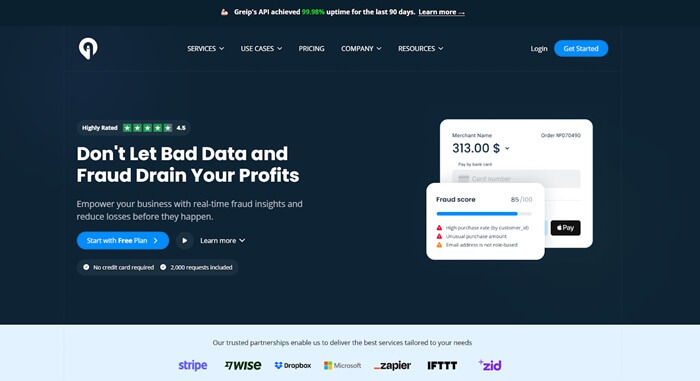
Greip is a leading IP address lookup service that offers up-to-date information that is updated every day for precision and dependability.
Greip is a reliable option for IP analysis because it has a robust service agreement that guarantees reliable service and continuous access. One key feature of Greip is its ability to look up multiple IP addresses at once. With a single request, users can examine up to ten IP addresses, making it easier for businesses to handle massive volumes of data.
Greip offers comprehensive insights by concentrating on delivering rich information. This makes it a crucial tool for companies that require precise, dependable, and effective IP address analysis.
Pros
- Bulk IP address Lookup: Easily check up to 10 IP addresses at once. It’s a great time-saver for anyone doing a thorough analysis.
- Flexible Pricing Tiers: It has a free plan and several paid options to fit all kinds of needs and budgets.
- Extensive Global Coverage: It covers over 5 billion IP addresses, so you can find geolocation data from all around the world.
- Comprehensive Data Insights: Get detailed information on each IP, including its location, ISP, and even a risk evaluation, all in one go!
- SLA Policy: You can count on this IP address lookup tool for consistent, reliable service with guaranteed uptime and performance.
- Various Data Formats: It helps you choose from CSV, XML, JSON, or Newline formats to make data integration a breeze.
Cons
- Bulk Limitations: Limited to 10 IPs per request, which may be inadequate for businesses managing larger datasets.
Also know: How to Map a Network Drive in Windows 11
2. Abstract
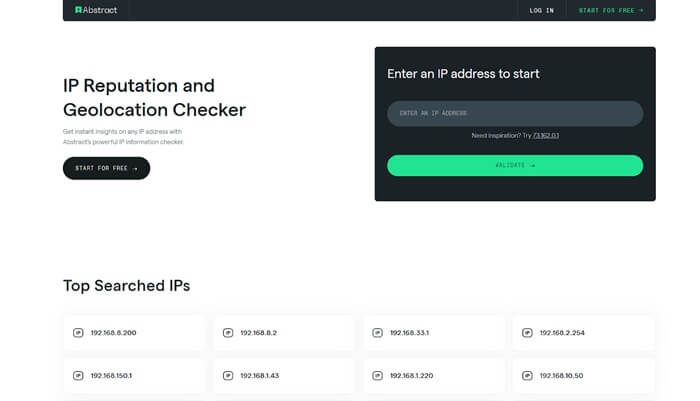
For figuring out how to find my IP address, this tool is one of the best IP lookup tools. It gives you all the important details, like the country, region, city, and even the latitude and longitude.
Plus, you can see which Internet Service Provider (ISP) it’s connected to. This tool can help businesses better understand their website visitors or simply find out where their online connections are coming from.
Pros
- Highly Accurate and Secure: It detects VPNs and provides information like time zones and risk levels.
- Broad Global Reach: It offers geolocation data for over 4 billion IP addresses.
- Easy for Developers: It supports many integrations and SDKs, making it simple to use.
Cons
- Limited Free Plan: The free plan limits the number of requests, which might not be enough for busy applications.
- External Dependency: If your application depends on an API service, it needs strong error handling and backup plans for when the service is down.
3. IPLocation.io
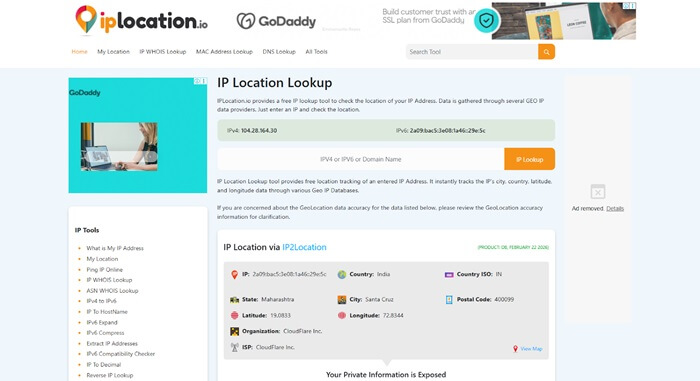
The IPLocation.io platform offers a robust suite of IP-related tools designed to meet a variety of user needs. The interface is user-friendly, allowing for seamless navigation through a well-organized sidebar.
This IP lookup tool includes simple explanations of what it does and detailed technical information. This helps users identify what’s my IP address and use the available resources effectively.
Pros
- Comprehensive Toolset: This service provides IP address lookup, SEO, email, and cybersecurity tools.
- Completely Free: Users can access all tools without any costs or memberships.
Cons
- No Bulk Processing: Each lookup must be done one at a time, which can slow down large tasks.
- No API Support: Businesses cannot automate processes or create reports using these features.
4. MaxMind
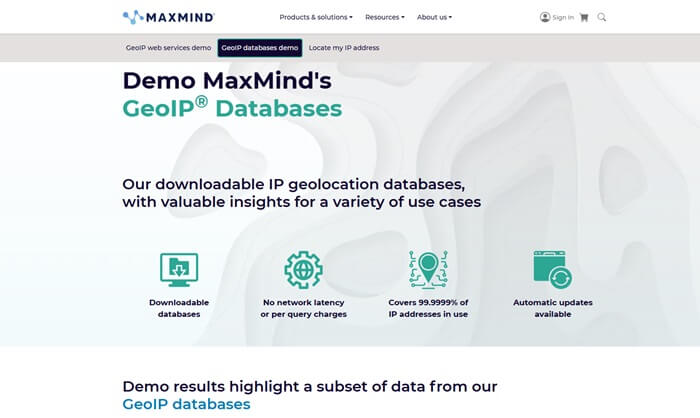
MaxMind is a great IP lookup tool that many people rely on to find out where IP addresses are located. It’s user-friendly, offering open-source APIs that make it easy to integrate with different programming languages and other tools you might use.
One of the best features is the GeoIP2 database, which provides really detailed and accurate location tracking. It’s a great resource if you are looking for how to find my IP address.
Pros
- Accurate Data: IP databases are updated regularly for precision.
- Widely Used: Many businesses and security experts trust these services around the world.
- Easy for Developers: Offers open-source API support for various programming languages.
Cons
- Limited Free Access: The free version provides only basic IP data, while advanced insights need paid plans.
- High Costs for Full Features: Detailed geolocation services can be costly for individuals or small businesses.
5. IPinfo.io
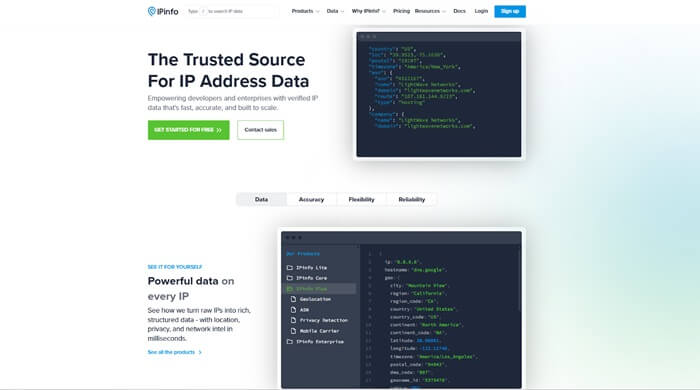
Ipinfo.io is a popular service if you are looking for what’s my IP address. It provides important information like geolocation data and details about the network. Users can access both free and paid API services, making it useful for individual developers and businesses.
With ipinfo.io, you can easily track where users are located, analyze network traffic, or improve security measures. This tool helps you understand IP addresses in a straightforward way.
Pros
- Free Plan: You get 50,000 IP address lookups for free each month, which is enough for occasional use.
- Multiple Data Formats: It supports multiple data formats, including MMDB, CSV, and JSON, making it simple to use the data.
Cons
- Limited Free Checks: You can only do 50,000 checks per month, so this may not be enough for larger businesses.
- High Price: The paid plans are expensive.
Also know: Best Reliable IP and Network Scanner Tools to Use
Frequently Asked Questions
Q1. What is an IP address?
An IP address is a unique sequence of numbers that is allocated to every device connected to the Internet. This unique identifier plays a crucial role in recognizing your device within the vast network of the internet. Additionally, it can provide insights into your geographical location and the internet service provider associated with your connection.
Q2. Why do I need an IP lookup tool?
An IP address lookup tool provides valuable insights regarding an IP address, including details about its geographical location, the Internet Service Provider (ISP) associated with it, and any potential security vulnerabilities. Utilizing this information can significantly enhance your online security and optimize your digital activities.
An IP Address Lookup is an essential tool that offers valuable information regarding a device’s presence on the internet. It can be utilized for various purposes, such as identifying the geographical location of a user, checking the details associated with a specific IP address, or strengthening cybersecurity measures. The tools mentioned in this post play an important role in improving our understanding of online interactions and protecting digital environments.
