

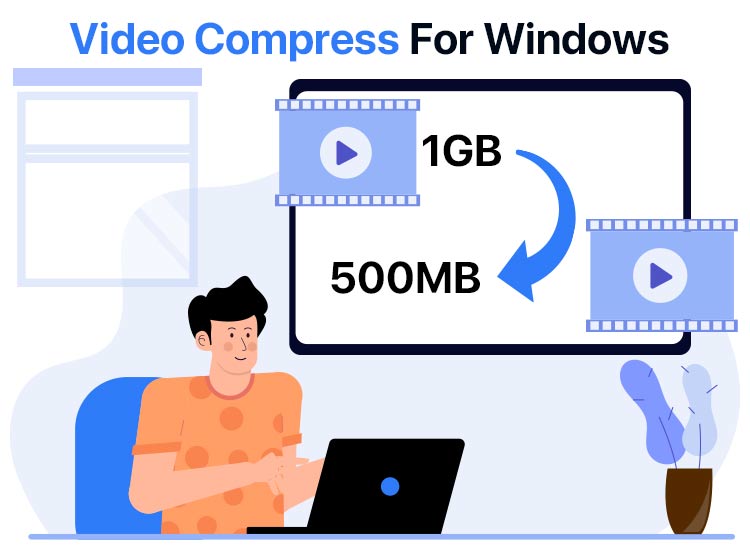
Storage fills up fast, especially if you have various videos on your computer. An excellent way to retain or free up PC space to save more videos is to compress them using the best video compressor software, which reduces their size and saves storage space.
Whether you are trying to share large video files via email, which often have strict attachment limits, or uploading to platforms like YouTube, where faster upload times are critical, video compression can be a game-changer.
The best video compression software reduces the video size significantly in a matter of seconds. However, since there are numerous programs available to compress videos, we did thorough research and found the truly best ones for you.
Before proceeding with these paid and free video compressor software, let’s quickly review what video compression is and why you need it to clear up any confusion you may have.
What Is Video Compression
Video compression is a technique to reduce video file size by eliminating redundant data, freeing up storage, and making streaming feasible by removing unnecessary bits while preserving visual quality with approaches, such as motion prediction between frames and identification of static areas.
The video compression process uses codecs, such as H.264/H.265, to encode and decode data, ensuring a balance between file size and quality loss, crucial for bandwidth and storage efficiency.
Why Compress Videos
Compressing videos reduces large video file sizes, allowing efficient storage, faster transmission, and smoother playback, and offers the following advantages.
- Compressed video files need less bandwidth, improving streaming quality even on slower internet connections to improve user experience.
- Video compression reduces data consumption, reducing the cost of hosting and data transfer.
- It helps you meet size limitations for platforms, such as email or social media, having strict file size caps.
Now that you are familiar with video compression, let’s help you understand the best video compression software to compress videos.
What Is the Best Video Compressor Software
When choosing the best video compression software, consider these key features: high file size reduction with minimal quality loss, support for various formats like MP4 and MOV, fast hardware acceleration, fine-tuned controls such as resolution and bitrate adjustments, use of advanced codecs like H.265 and AV1, availability of presets, batch processing capabilities, and a user-friendly interface with preview options. Below are the software options that boast these qualities.
1. Veed.io
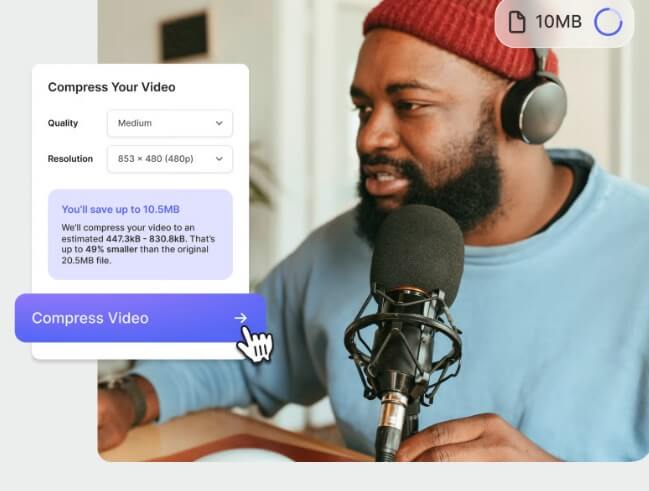
Meet Veed.io. It is among the best video compressors you can use right from your browser. Renowned for its clutter-free and user-friendly interface, this software supports multiple file formats, such as MP4, MKV, AVI, MOV, and more.
Moreover, this cloud-based video converter and compressor software shrinks files without visible quality loss, lets you overlay stock audio, video, or photos to videos, and offers the following remarkable features.
Key features of Veed.io
- It supports text animations and templates.
- You can screen record videos.
- There are engagement insights in the paid version of Veed.io.
- Veed.io boasts many AI tools, such as auto-subtitles, avatars, magic cut, and background noise removal.
- There are social media content-oriented features, including resizing and brand kits.
Click here to learn more about Veed.io
Also know: Best Free AI Video Background Removal Tools to Use Online
2. Winxvideo AI
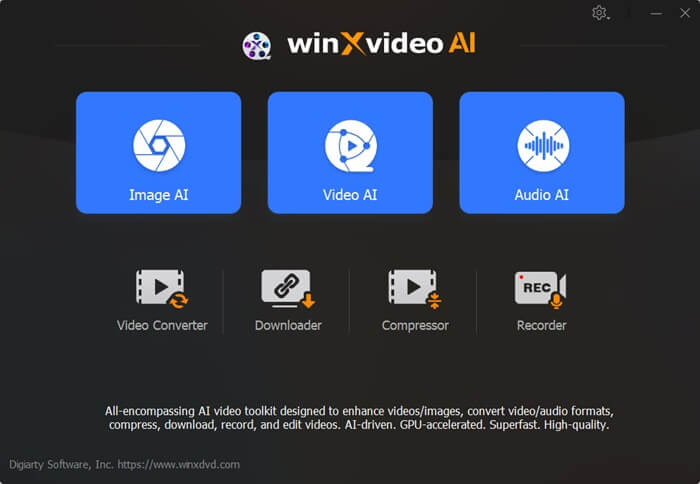
Let’s introduce you to Winxvideo AI. It is one of the best video compression software programs for high quality and over 90% reduction in file size. This software applies intraframe and interframe coding algorithms and advanced entropy encoding techniques, ensuring size reduction while keeping edges sharp and motion artefacts minimal.
To better illustrate Winxvideo AI’s capabilities, consider a scenario where a user needs to compress a 4K, 30-minute documentary for online sharing. The original file size is approximately 10 GB, making it impractical for quick uploading or email sharing. By using Winxvideo AI, the user can reduce the file size to around 1 GB, significantly enhancing the ease of sharing or uploading while maintaining excellent video quality. Additionally, it stands out for the following features.
Key features of Winxvideo AI
- It gives you excellent control over bitrate, resolution, frame rate, trimming/cropping, and other parameters.
- There is a compression slider to balance size and quality.
- It supports more than 370 codecs.
- Winxvideo AI uses level-3 hardware acceleration, Intel QSV, NVIDIA CUDA/NVENC, and AMD VCE to ensure fast video compression speed.
Click here to learn more about Winxvideo AI
3. VideoProc Converter AI
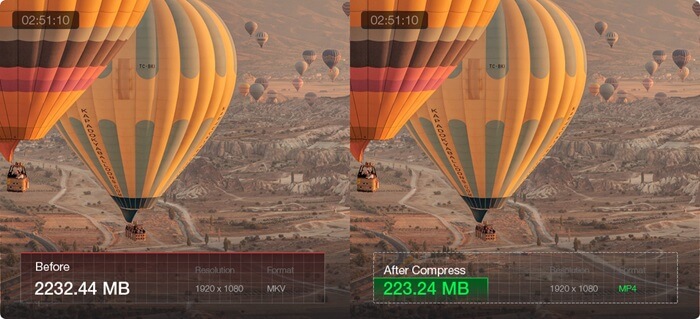
Next, we have VideoProc Converter AI on our list of the best video compressor software. It is a user-friendly Swiss Army knife tool for video compression, conversion, and AI enhancement. Moreover, it is over 90% video size compressor without losing quality, with support for more than 420 file formats, x265 entropy coding, High Quality Engine, and the following remarkable features.
Key features of VideoProc Converter AI
- It offers complete flexibility over conversion, including an option to set the exact target size.
- VideoProc Converter AI allows you to adjust the compression slider, allowing you to ensure your videos are smaller yet sharp.
- With AV1, H.264, and HEVC support, this software ensures excellent video quality.
- There are over six advanced customization options, for instance, an option to change to a more efficient codec, adjust resolution, lower frame rates, change GOP length, and more.
- VideoProc Converter AI boasts many video editing features, including trim, crop, cut, denoise, deshake, and more.
Click here to learn more about VideoProc Converter AI
4. Flixier
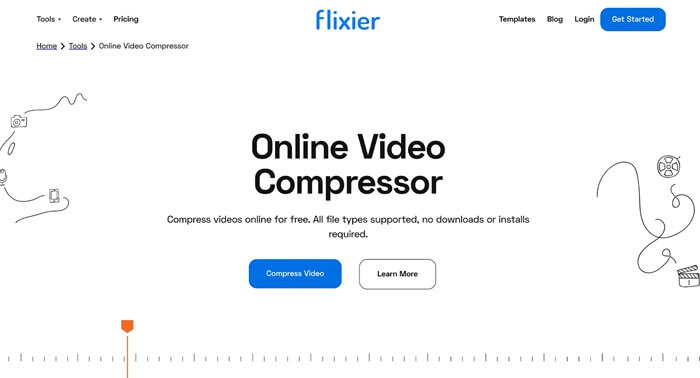
Here comes Flixier on the list dedicated to the best video compression software. It is a powerful video compressor software for PC that allows you to compress and edit videos to create high-quality videos quickly and easily. Moreover, Flixier stands out for its intuitive drag-and-drop interface, customizable templates, and the following noteworthy features.
Key features of Flixier
- You can compress multiple files simultaneously.
- It boasts cloud integrations.
- Flixier supports cloud-based editing.
- There are motion graphics and stock videos.
Click here to learn more about Flixier
5. HandBrake
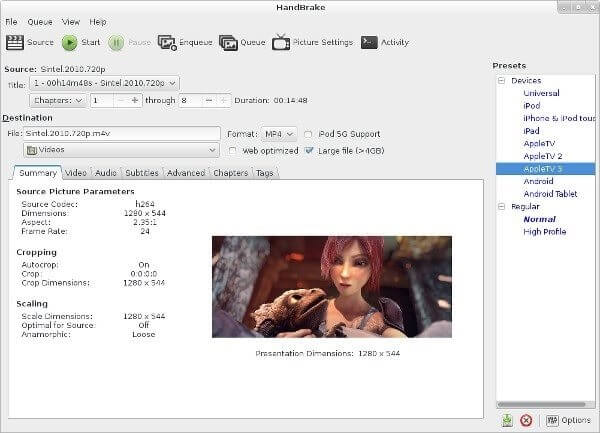
No list of the best free video compressor software can stop without HandBrake. With this open-source video transcoder and compressor for Windows, you can shrink large video files while ensuring high quality by converting them to formats like MP4/MKV using codecs such as H.264/H.265. Moreover, the following are its other laudable features.
Key features of HandBrake
- It lets you control resolution, bitrate, RF value, frame rate, codecs, and other aspects to optimize your video quality.
- HandBrake supports all major formats, such as MKV, MP4, H.264, H.265, VP8, and VP9, and more.
- This software uses hardware acceleration with NVIDIA, Intel, and AMD GPUs for faster and seamless video compression.
Click here to learn more about HandBrake
Also know: Best Free Sound Equalizer For Windows
Best Video Compressor Software: The Conclusion
With that, we conclude our post dedicated to the best video compression software to compress 4K and other videos. These programs help you reduce the size of videos on your computer to make them easily shareable, save storage space, and ensure they stream fast.
For a quick pick, Veed.io is great for beginners due to its straightforward, browser-based interface. Professionals might prefer Winxvideo AI, given its robust compression capabilities and quality control features. For those looking for versatility and editing features, VideoProc Converter AI offers comprehensive tools.
If you have any doubts regarding these tools or want some suggestions on how to choose the correct video compressor software for your requirements, write to us in the comments section. We will address your concerns right away.
Your feedback is highly appreciated. Do let us know which one of these video file compressor software worked best for you. Before leaving, ensure that you never miss any blog updates from our page by subscribing to our newslette

